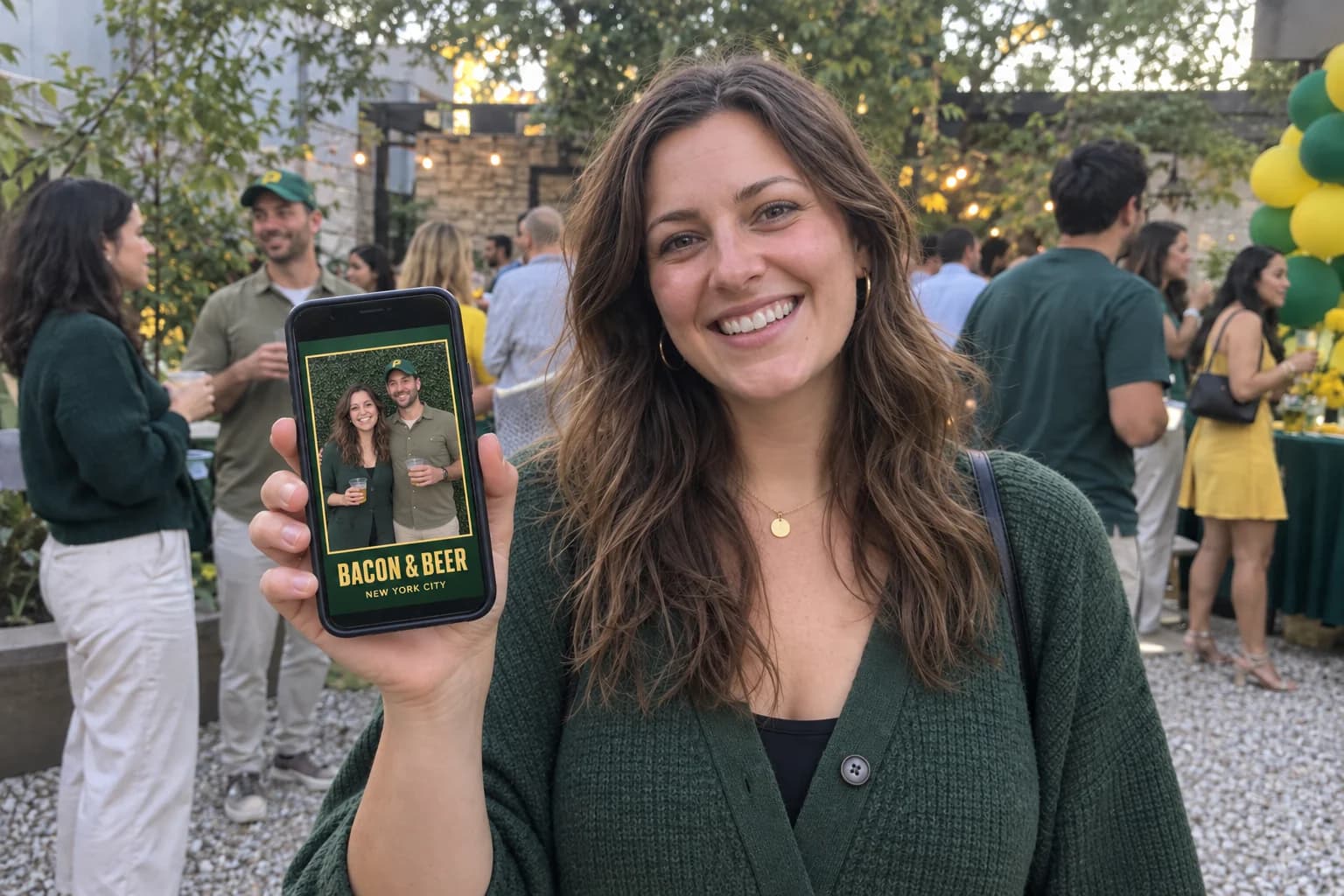
Less chasing. More making the event happen.
A preview of the Flash Mob client portal: event briefs, creative approvals, document requests, and a simpler way to coordinate branded activations.
Request a quote
One place for the event brief
The next step for Flash Mob event management is a client portal built around the actual work of producing an activation. The planned experience brings the event brief, schedule, venue details, and creative decisions into one place so clients do not have to reconstruct the latest plan from several conversations.
For nationwide programs, the useful distinction is between campaign-wide standards and each event’s local details. A shared creative direction should sit alongside the individual dates, venue contacts, and operating requirements that make every stop different.
Document requests belong with the event
We are planning a portal workflow for requesting certificates of insurance, including additional-insured requests, directly from the event record. The intended benefit is a clear request with the venue details and required wording attached to the right event.
This workflow is upcoming. For current events, send the venue’s requirements to the Flash Mob team for review. A portal request will support coordination; it will not replace review by the responsible insurance provider or make approval automatic.
Keep approvals and handoffs visible
A useful portal should make it obvious which artwork is current, what needs review, and who owns the next decision. The same principle applies after the event: agreed outputs and reporting should be easy to locate alongside the original brief. That helps clients connect what was planned with what was delivered.
The portal is being designed around those tasks. We will publish the available workflows as they launch. Until then, the team remains the contact for briefs, creative coordination, document requests, and event reporting requirements.
Choose an operating model, not just a login
A dashboard only helps if the production process behind it is clear. When comparing activation partners, ask how changes are approved, how documents reach the right event, and how post-event information is handed over. Those questions matter whether the workflow is managed through a portal or directly with a producer.
The comparison at a glance
| Task | Available today | Planned portal workflow |
|---|---|---|
| Event brief | Quote form and team coordination | Central event record |
| Creative decisions | Coordinate with the team | Visible approval workflow |
| Insurance requests | Send venue requirements to the team | Request from the event record |
| Post-event needs | Agree reporting in the brief | Organized event handoff |